하위 태스크 1 ~ 2
next/image 적용
이미지 컴포넌트를 next/image로 변경
이미지 옵션 설정
priority, placeholder, sizes 등 옵션 적용
src/types.ts:
export interface Book {
  isbn: string;
  title: string;
  authors: string[];
  price: number;
  publisher: string;
}src/app/page.tsx:
import Link from "next/link";
import BookCover from "@/component/BookCover";
import { Book } from "@/types";

export default async function Home() {
  const response = await fetch("http://localhost:3005/books");
  const books = await response.json() as Book[];

  return (
    <div>
      <ul className="flex gap-x-2">
        {books.map((b) => (
          <li className="flex flex-col items-center p-2 border border-slate-500 w-40 bg-slate-100" key={b.isbn}>
            <BookCover isbn={b.isbn} />
            <Link href={`/books/${b.isbn}`}>
              <div className="font-bold break-keep">{b.title}</div>
            </Link>
          </li>
        ))}
      </ul>
    </div>
  );
}src/component/BookCover.tsx:
import Image from "next/image";
import { Book } from "@/types";

export default async function BookCover({ isbn }: { isbn: string }) {
  const response = await fetch("http://localhost:3005/books");
  const books = await response.json() as Book[];
  const book = books.find((b) => b.isbn === isbn);

  if (book === undefined) {
    return null;
  }

  return (
    <Image
      src={`/cover/${book.isbn}.jpg`}
      alt={book.title}
      width={100}
      height={200}
      placeholder="empty"
    />
  );
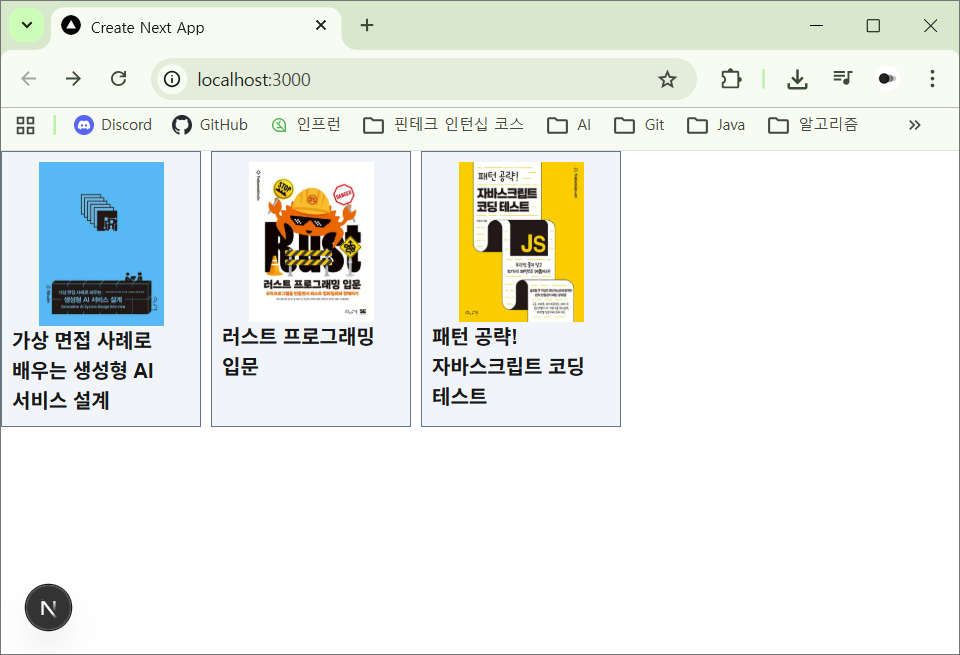
}
하위 태스크 3
외부 이미지 설정
next.config.js에서 외부 도메인 설정
next.config.ts:
import type { NextConfig } from "next";

const nextConfig: NextConfig = {
  images: {
    remotePatterns: [{ protocol: "https", hostname: "contents.kyobobook.co.kr" }]
  }
};

export default nextConfig;src/app/page.tsx:
import Image from "next/image";
// ...

export default async function Home() {
  // ...

  return (
    <div>
      <section className="my-2">
      <h2 className="my-2 text-lg font-bold">오늘의 추천</h2>
      <div className="flex flex-col items-center p-2 border border-slate-500 w-40 bg-slate-100">
        <Image
          src="https://contents.kyobobook.co.kr/sih/fit-in/458x0/pdt/9788966265138.jpg"
          alt="코틀린&스프링 부트로 개발은 처음인데요"
          width={100}
          height={200}
        />
      </div>
      </section>
	  {/* ... */}
  );
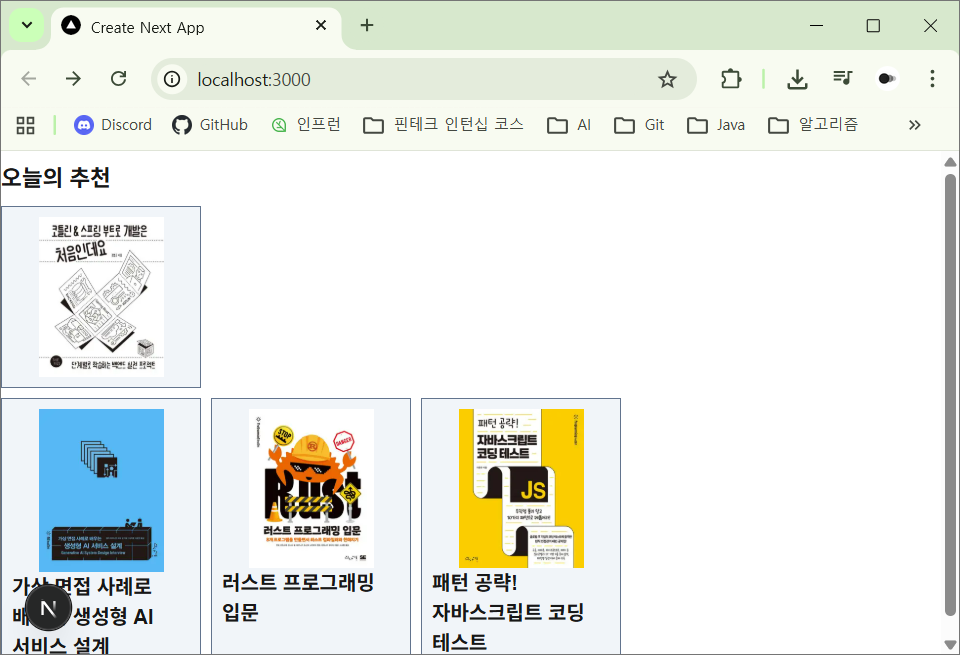
}
하위 태스크 4
기본 메타데이터 설정
layout.tsx에 전역 메타데이터 추가
src/app/layout.tsx:
import type { Metadata } from "next";

import { ReactNode } from "react";
import "./globals.css";

export const metadata: Metadata = {
  title: "구름 서점",
  description: "세상의 모든 책들",
  openGraph: {
    title: "구름 서점",
    description: "세상의 모든 책들"
  }
};

export default function RootLayout({
  children,
}: Readonly<{ children: ReactNode; }>) {
  return (
    <html lang="ko">
      <body className="min-h-full flex flex-col">{children}</body>
    </html>
  );
}
하위 태스크 5
동적 메타데이터 생성
generateMetadata로 페이지별 메타데이터
src/app/books/[id]/page.tsx:
import { Metadata } from "next";
import BookCover from "@/component/BookCover";
import { Book } from "@/types";

export async function generateMetadata({ params }: { params: { id: string } }): Promise<Metadata> {
  const { id } = params;

  const response = await fetch("http://localhost:3005/books");
  const books = await response.json() as Book[];
  const book = books.find((b) => b.isbn === id);

  if (book === undefined) {
    return {};
  }

  return {
    title: book.title,
    description: book.title + " / " + book.authors.join(", "),
    openGraph: {
      title: book.title,
      description: book.title + " / " + book.authors.join(", "),
    }
  }

  export default async function BookDetailPage({ params }: { params: Promise<{ id: string }> }) {
    const { id } = await params;

    const response = await fetch("http://localhost:3005/books");
    const books = await response.json() as Book[];
    const book = books.find((b) => b.isbn === id);

    if (book === undefined) {
      return "요청하신 책을 찾을 수 없습니다.";
    }

    return (
      <ul>
        <BookCover isbn={book.isbn} />
        <h2>{book.title}</h2>
        <li>{book.authors.join(", ")}</li>
        <li>{book.publisher}</li>
        <li>{book.price}</li>
      </ul>
    );
  }
하위 태스크 6
구조화된 데이터 추가
JSON-LD로 Schema.org 데이터 추가
src/app/books/[id]/page.tsx:
// ...

export default async function BookDetailPage({ params }: { params: Promise<{ id: string }> }) {
  const { id } = await params;

  const response = await fetch("http://localhost:3005/books");
  const books = await response.json() as Book[];
  const book = books.find((b) => b.isbn === id);


  if (book === undefined) {
    return "요청하신 책을 찾을 수 없습니다.";
  }

  const structuredData = {
    "@context": "<https://schema.org>",
    "@type": "Book",
    name: book.title,
    author: {
      "@type": "Person",
      name: book.authors.join(", "),
    },
    publisher: {
      "@type": "Organization",
      name: book.publisher,
    },
  };

  return (
    <>
      <script
        type="application/ld+json"
        dangerouslySetInnerHTML={{ __html: JSON.stringify(structuredData) }}
      />
      <ul>
        <BookCover isbn={book.isbn} />
        <h2>{book.title}</h2>
        <li>{book.authors.join(", ")}</li>
        <li>{book.publisher}</li>
        <li>{book.price}</li>
      </ul>
    </>
  );
}
하위 태스크 7
프로덕션 빌드
npm run build로 최적화된 빌드 생성
$ npm run build

> [email protected] build
> next build

▲ Next.js 16.2.1 (Turbopack)

  Creating an optimized production build ...
✓ Compiled successfully in 2.4s
✓ Finished TypeScript in 1808ms
✓ Collecting page data using 6 workers in 414ms
✓ Generating static pages using 6 workers (4/4) in 354ms
✓ Finalizing page optimization in 6ms

Route (app)
┌ ○ /
├ ○ /_not-found
└ ƒ /books/[id]


○  (Static)   prerendered as static content
ƒ  (Dynamic)  server-rendered on demand
하위 태스크 8 ~ 9
Lighthouse 측정
성능 및 SEO 점수 측정
Web Vitals 측정
실제 사용자 경험 지표 측정
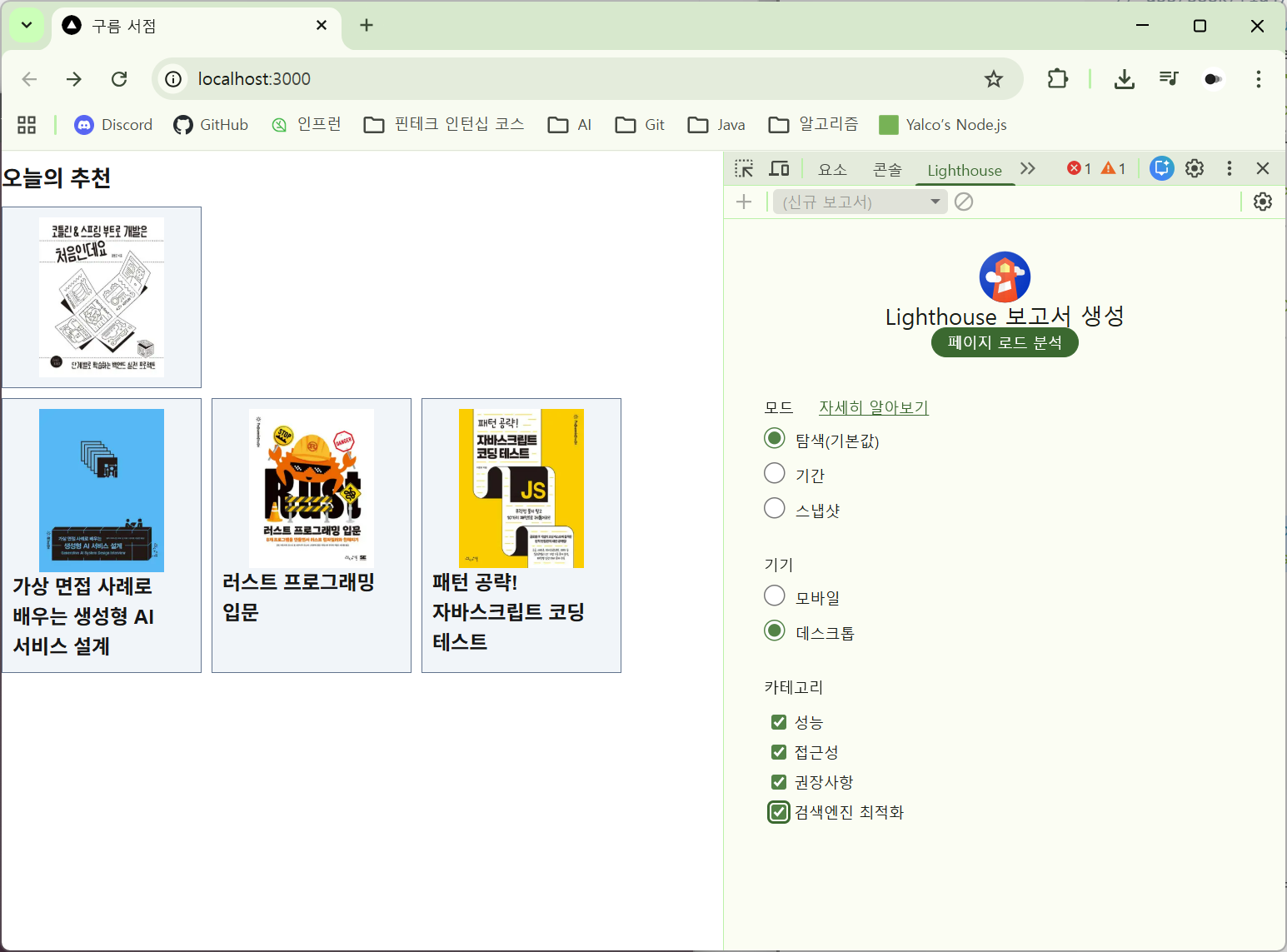
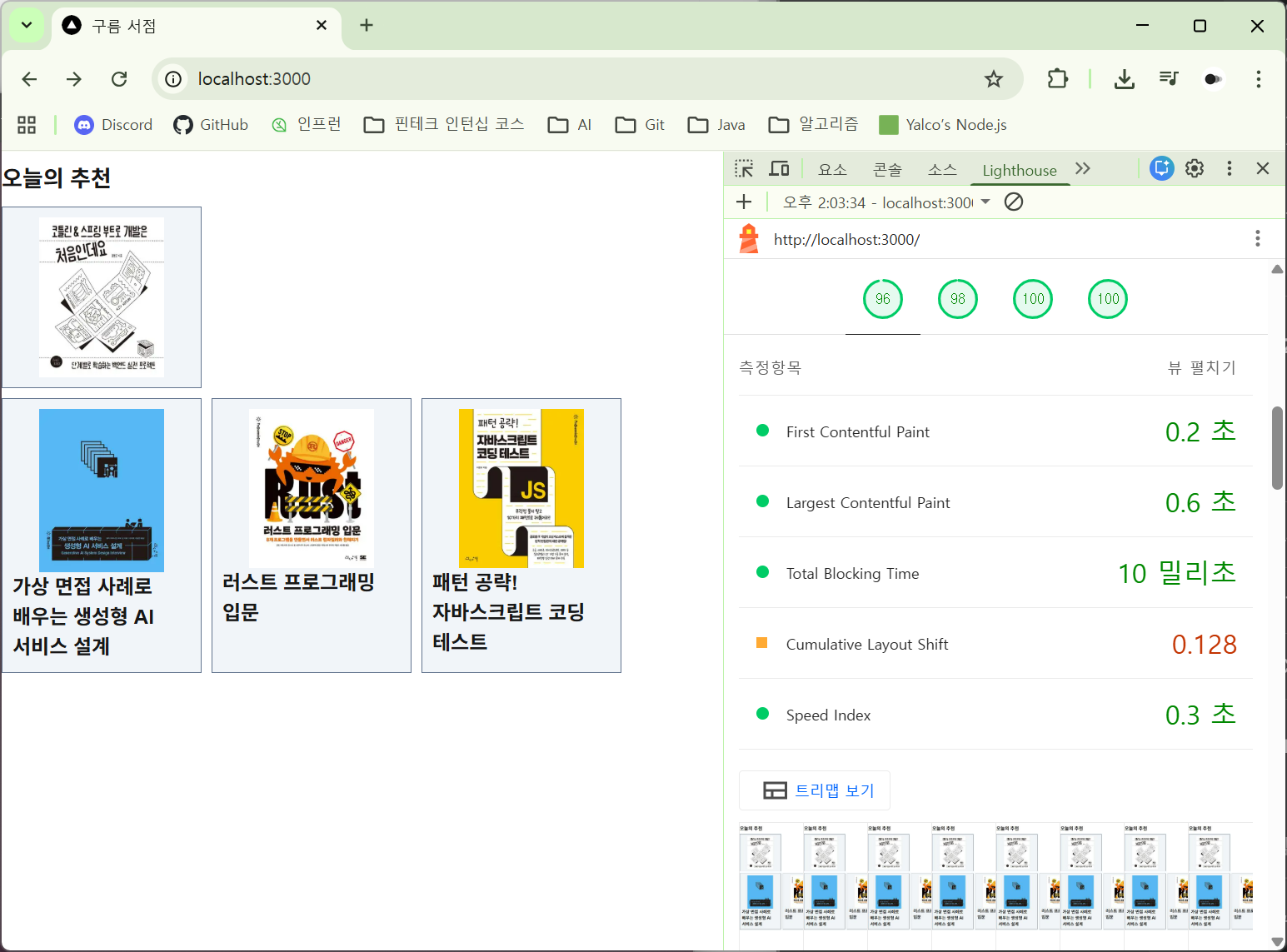
npm run startLighthouse 설정:
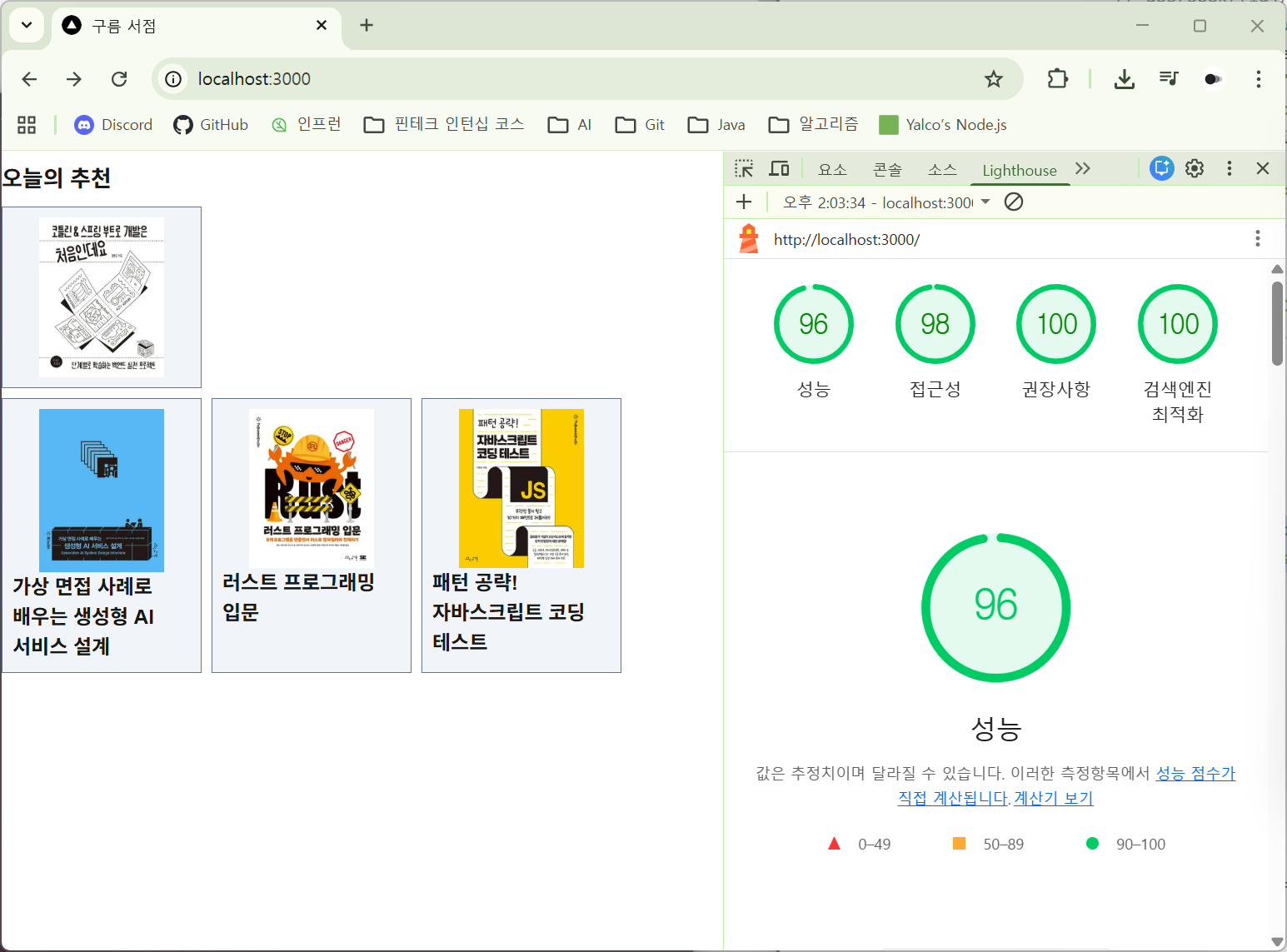
Lighthouse 결과:
핵심 지표:
하위 태스크 10
성능 최적화 적용
측정 결과 기반 개선 사항 적용
Cumulative Layout Shift 지표를 개선하기 위해 이미지의 크기를 고정하고, <img> 태그 대신 Next.js 프레임워크가 제공하는 <Image> 컴포넌트 적용하고, 이미지를 외부에서 가져오는 대신 내부 리소스를 사용하는 등의 조치를 취할 수 있다.
루트(/) 페이지에서 외부 이미지를 활용하고 있는데, 이를 로컬에 저장한 이미지로 바꿀 수 있다.
src/app/page.tsx:
import Image from "next/image";
// ...

export default async function Home() {
  // ...

  return (
    <div>
		{/* ... */}
        <Image
          src="/cover/9788966265138.jpg"
          alt="코틀린&스프링 부트로 개발은 처음인데요"
          width={100}
          height={200}
        />
      </div>
      </section>
	  {/* ... */}
  );
}