하위 태스크 1
캐싱 옵션 비교
force-cache, no-store, revalidate 옵션 실험
서버 시각을 응답하는 HTTP 서버 코드를 작성하고 실행한다.
server.mjs:
import { createServer } from "node:http";

const server = createServer((request, response) => {
  response.writeHead(200, { "Content-Type": "application/json; charset=utf-8" });
  response.end(JSON.stringify({
    timestamp: new Date().toISOString(),
  }));
});

server.listen(3001);
HTTP 서버를 3001번 포트에서 실행한다.
node ./server.mjsforce-cache, no-store, revalidate 캐싱 전략을 적용한 페이지를 생성한다.
app/cache/force-cache/page.tsx:
export default async function ForceCachePage() {
  const response = await fetch("http://localhost:3001", { cache: "force-cache" });
  const data = await response.json();

  return (
    <div className="p-2">
      <h2 className="text-lg font-bold">force-cache</h2>
      <p>시간: {data.timestamp}</p>
    </div>
  );
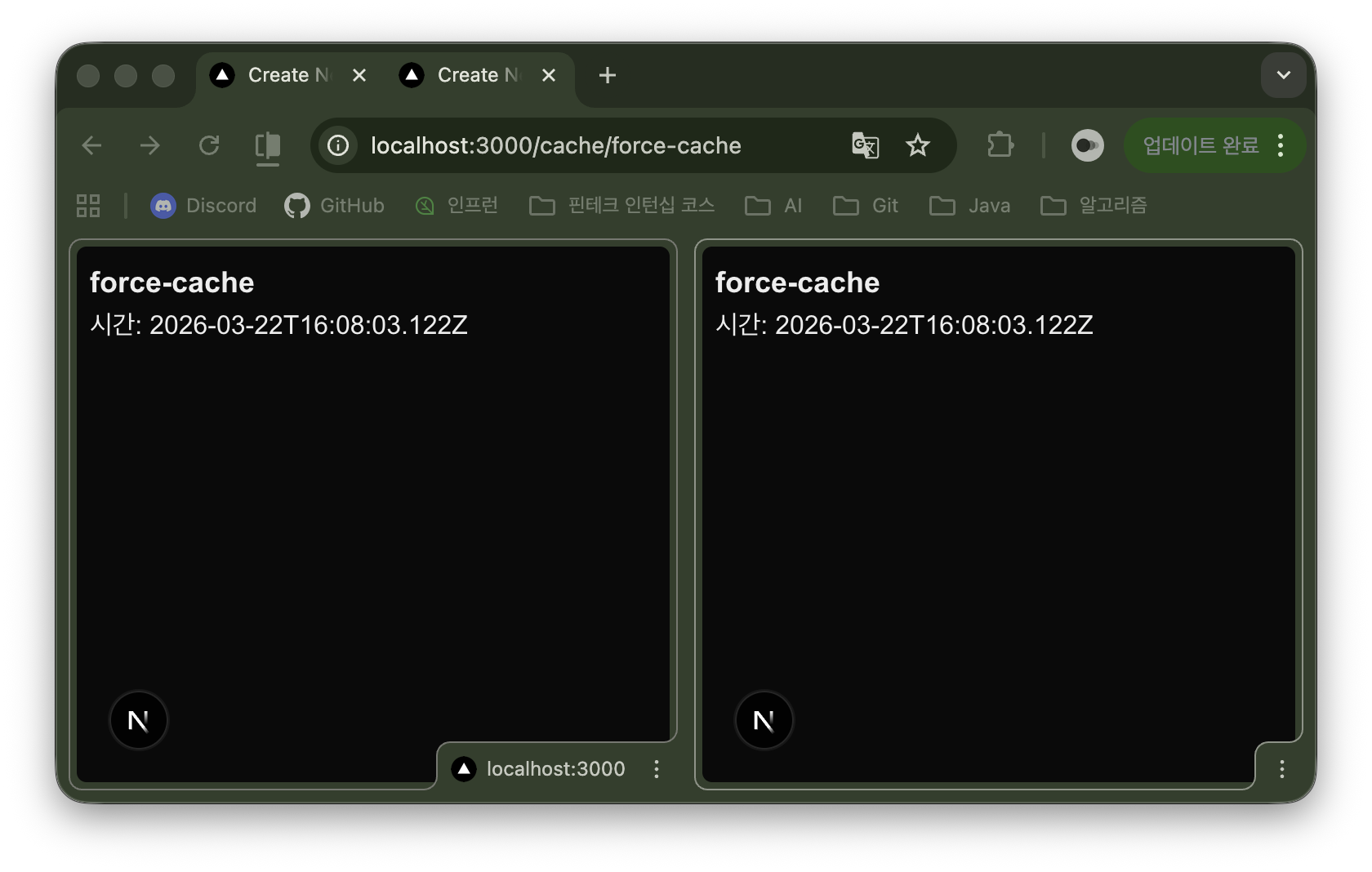
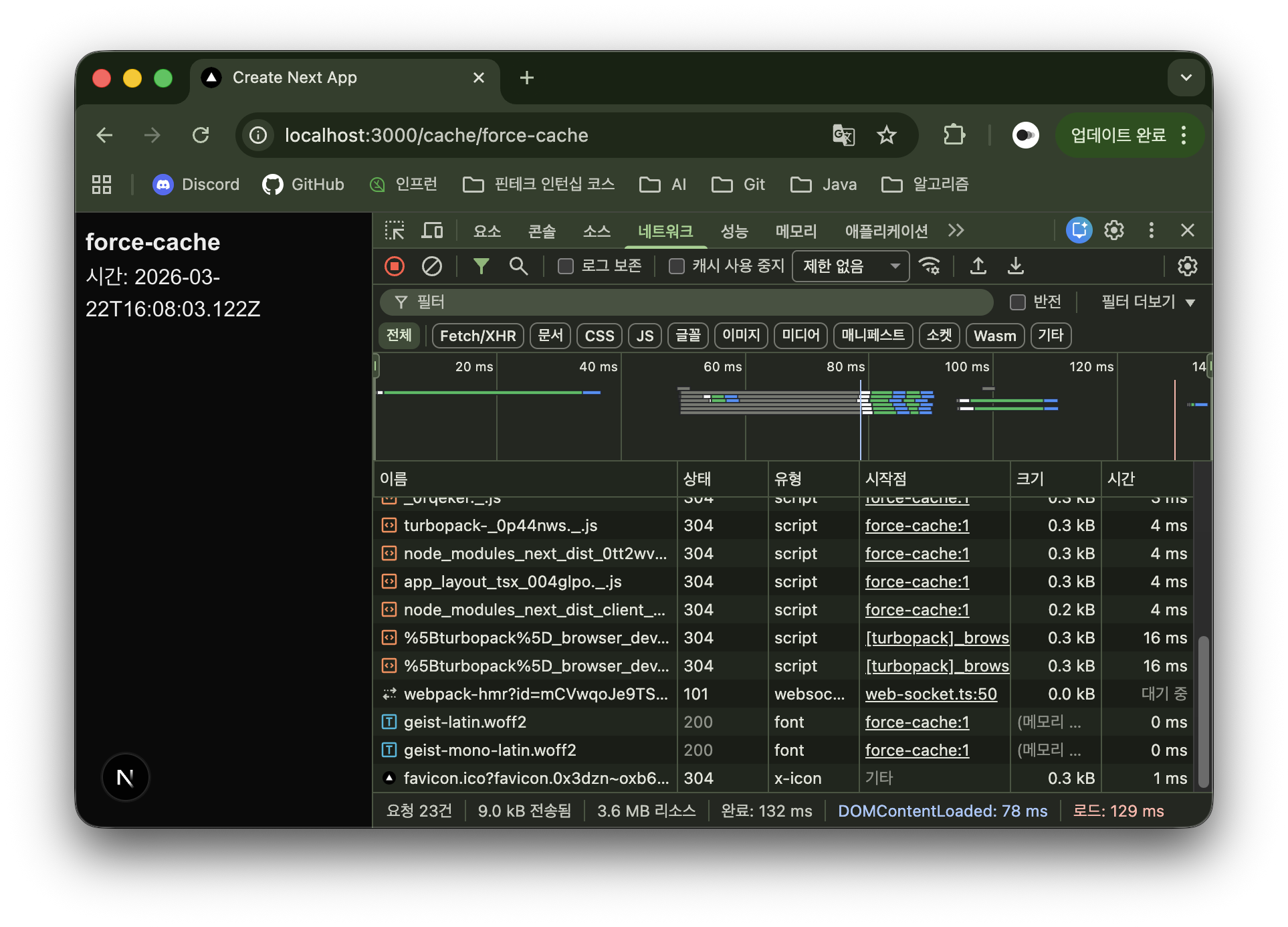
}force-cache는 데이터를 가져오면 빌드 시점에 저장하고, 서버를 다시 빌드하기 전까지 변하지 않는다. 따라서 새로고침해도 시각에 변함이 없다.
app/cache/no-store/page.tsx:
export default async function NoStorePage() {
  const response = await fetch("http://localhost:3001", { cache: "no-store" });
  const data = await response.json();

  return (
    <div className="p-2">
      <h2 className="text-lg font-bold">no-store</h2>
      <p>시간: {data.timestamp}</p>
    </div>
  );
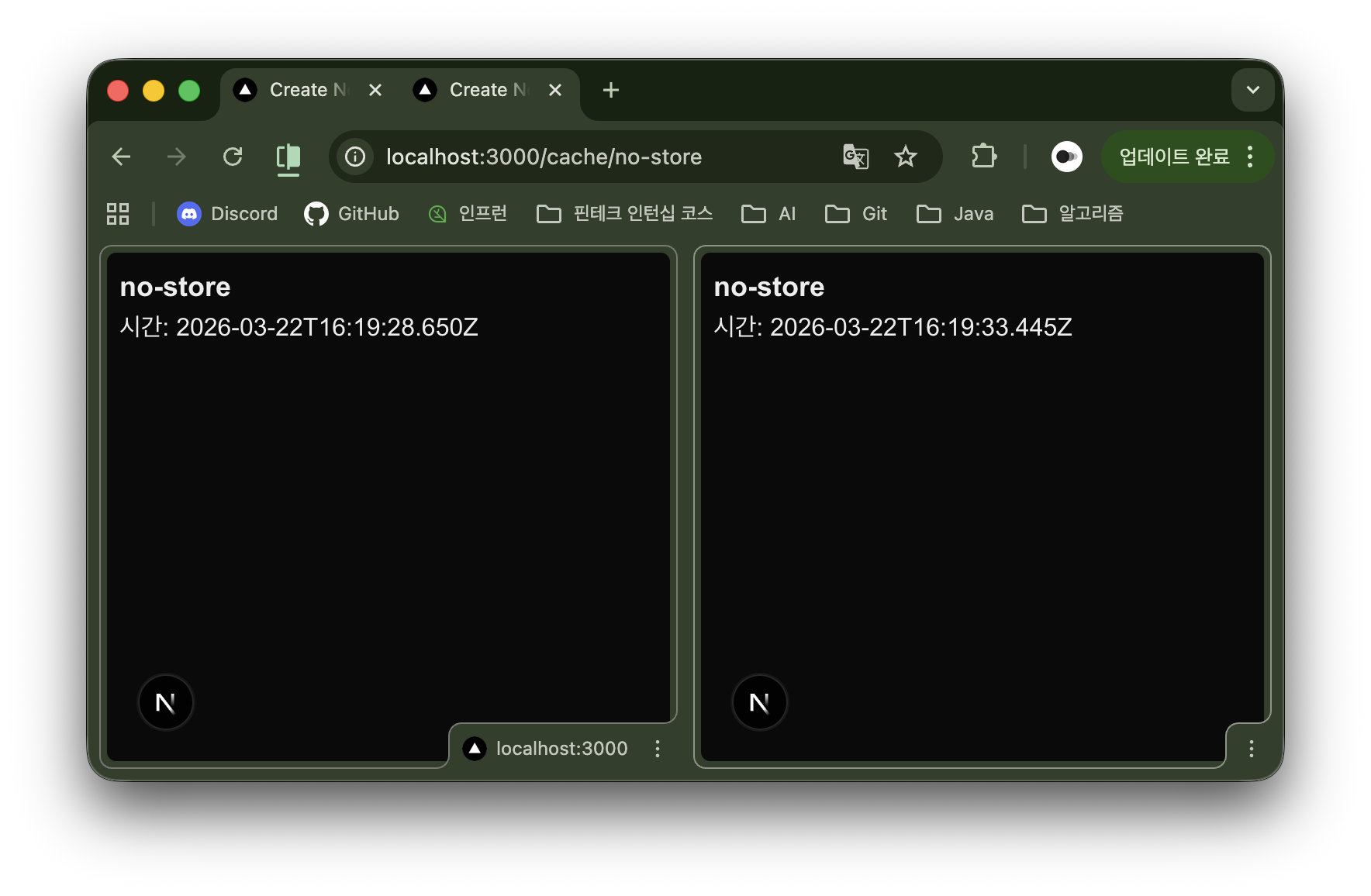
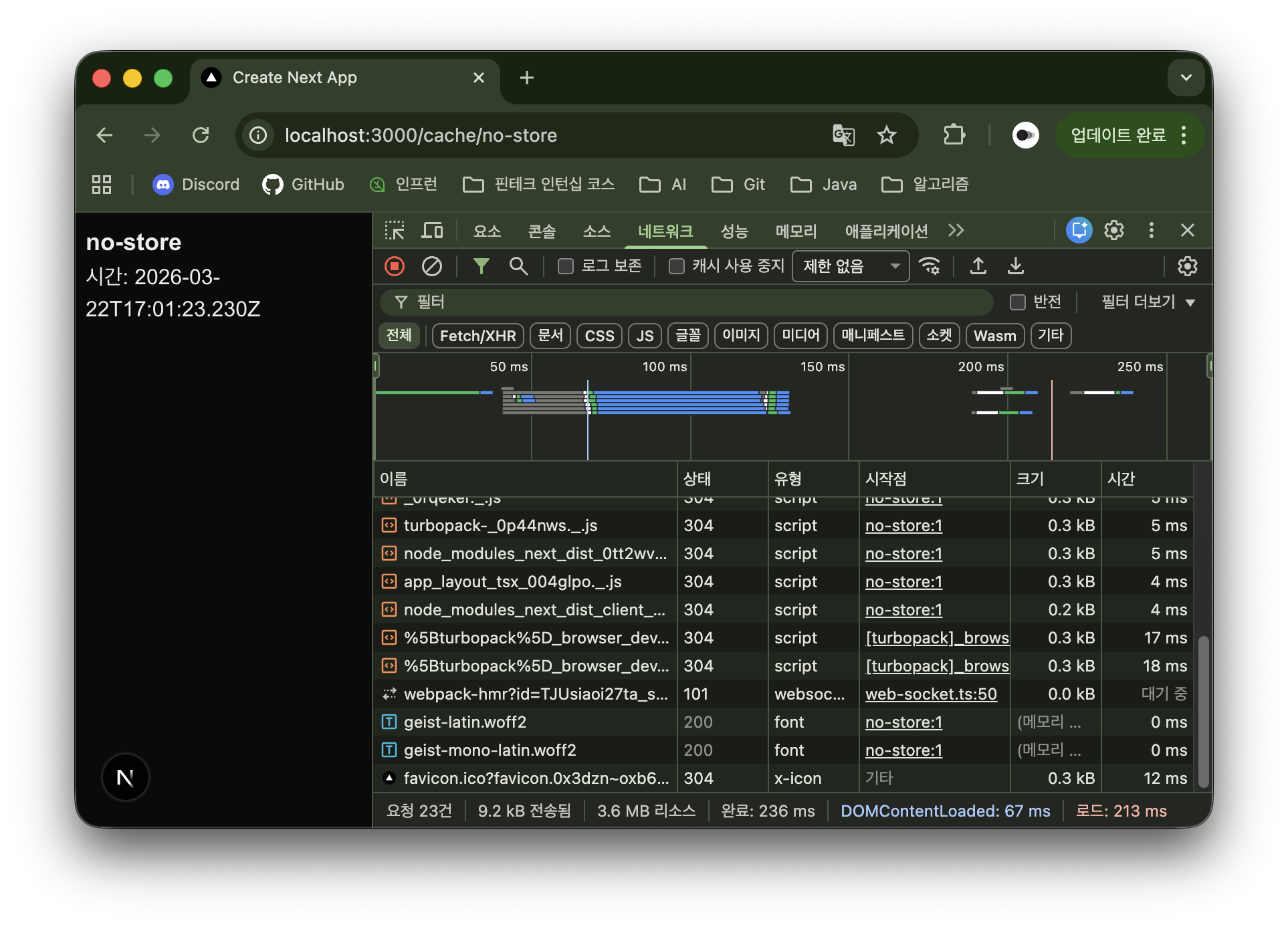
}no-store는 요청이 올 때마다 항상 새로운 데이터를 가져온다. 따라서 새로고침 할 때마다 시각이 변한다.
app/cache/revalidate/page.tsx:
export default async function RevalidatePage() {
  const response = await fetch("http://localhost:3001", { next: { revalidate: 10 } });
  const data = await response.json();

  return (
    <div className="p-2">
      <h2 className="text-lg font-bold">revalidate</h2>
      <p>시간: {data.timestamp}</p>
    </div>
  );
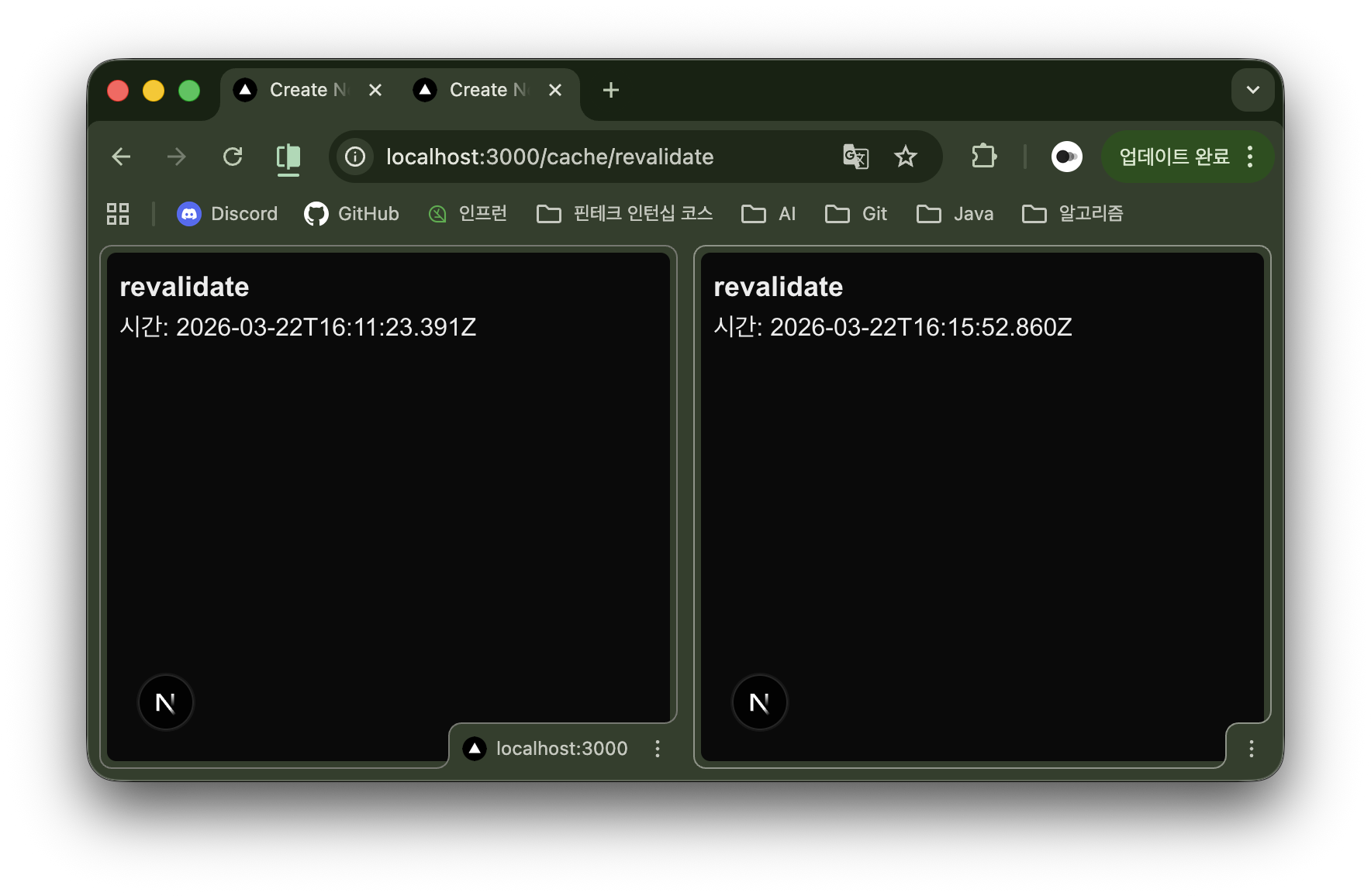
}revalidate는 설정한 시간 동안 캐시를 유지하고, 그 시간이 지나면 데이터를 갱신한다. 따라서 페이지를 새로고침해도 10초 동안 시각이 변하지 않다가, 10초가 지나면 다른 시각으로 갱신된다.
하위 태스크 2 ~ 3
태그 기반 캐싱
next: { tags: […] } 옵션 사용
revalidateTag 구현
특정 태그의 캐시 무효화
app/book/[id]/page.tsx:
import { revalidateTag } from "next/cache";

export default async function BookDetailPage({ params }: { params: { id: string } }) {
	const { id } = await params;
	const response = await fetch(`http://localhost:3005/books/${id}`, { next: { tags: ["book"] } });
	const book = await response.json();

	async function updateAction() {
		"use server";
		revalidateTag("book");
	}

	return (
		<div className="p-2">
			<h2 className="text-lg font-bold">{book.title}</h2>
			<form action={updateAction}>
				<button className="px-1 bg-slate-50 text-slate-900" type="submit">태그 재검증</button>
			</form>
		</div>
	);
}
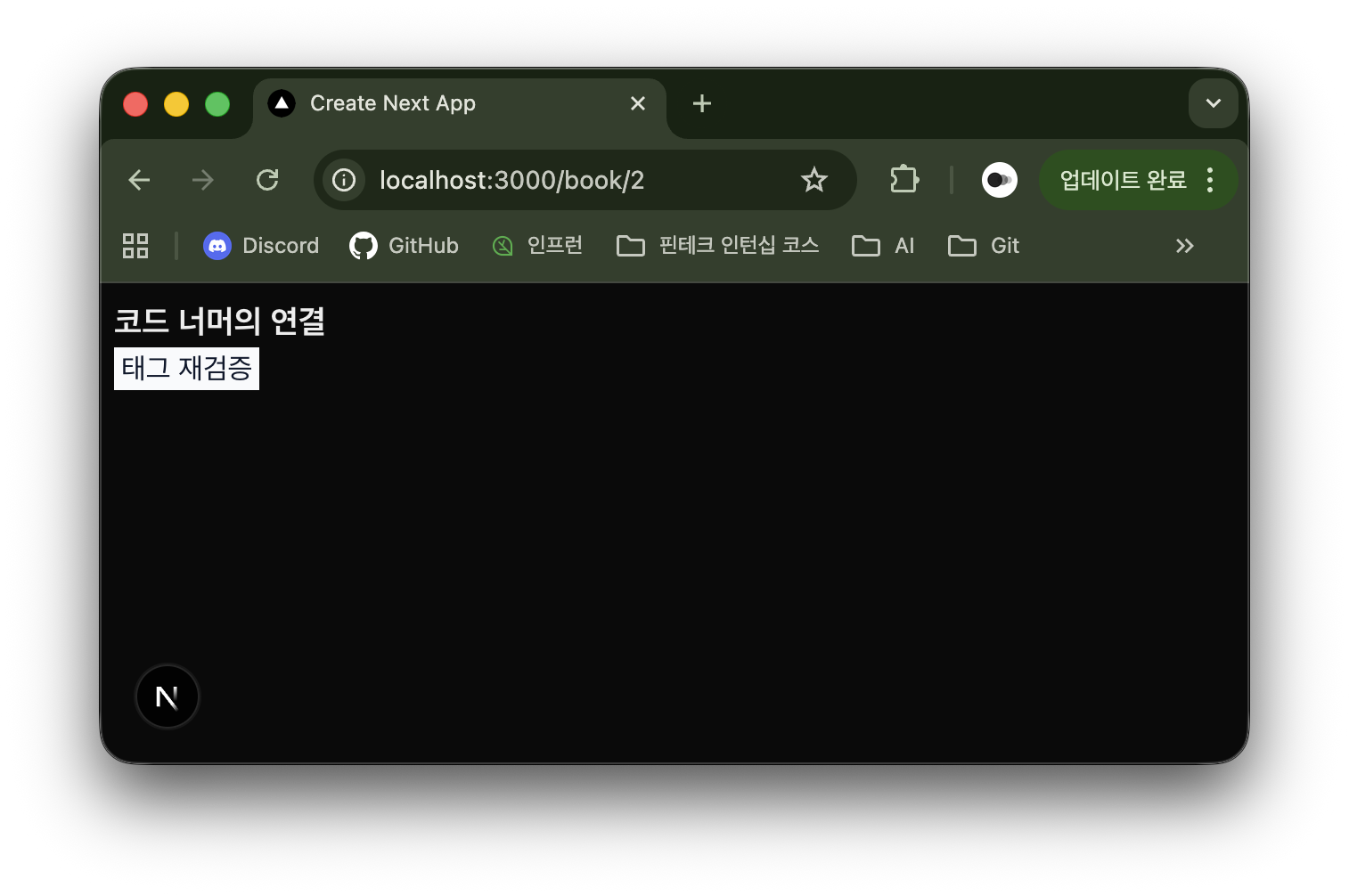
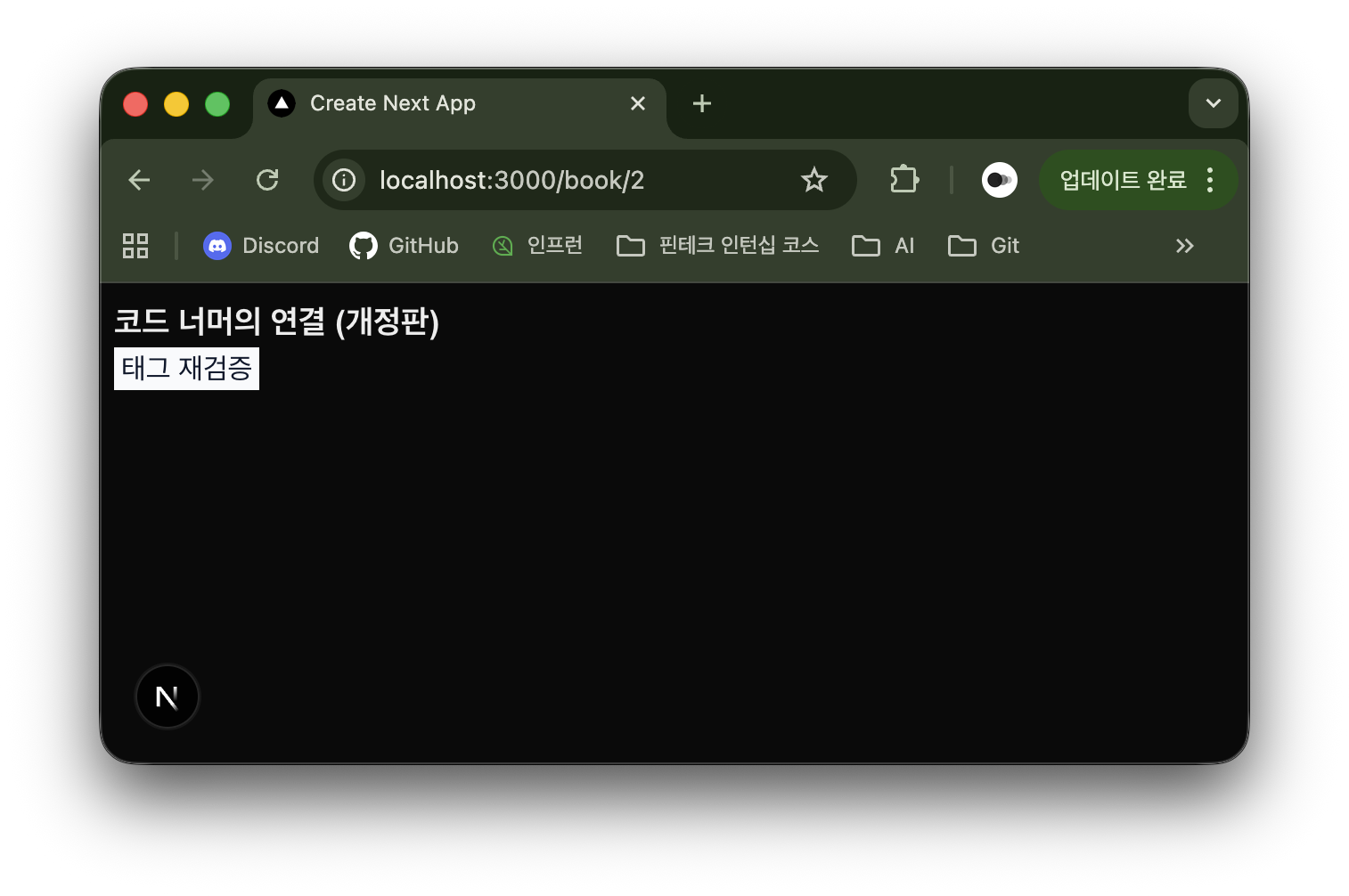
서버 상에 ID가 2인 책의 제목은 ‘코드 너머의 연결’이다.
하위 태스크 4
revalidatePath 구현
특정 경로의 캐시 무효화
app/book/[id]/page.tsx:
import { revalidatePath } from "next/cache";

export default async function BookDetailPage({ params }: { params: { id: string } }) {
	const { id } = await params;
	const response = await fetch(`http://localhost:3005/books/${id}`, { next: { tags: ["book"] } });
	const book = await response.json();

	async function updateAction() {
		"use server";
		revalidatePath(`/book/${id}`);
	}

	return (
		<div className="p-2">
			<h2 className="text-lg font-bold">{book.title}</h2>
			<form action={updateAction}>
				<button className="px-1 bg-slate-50 text-slate-900" type="submit">경로 재검증</button>
			</form>
		</div>
	);
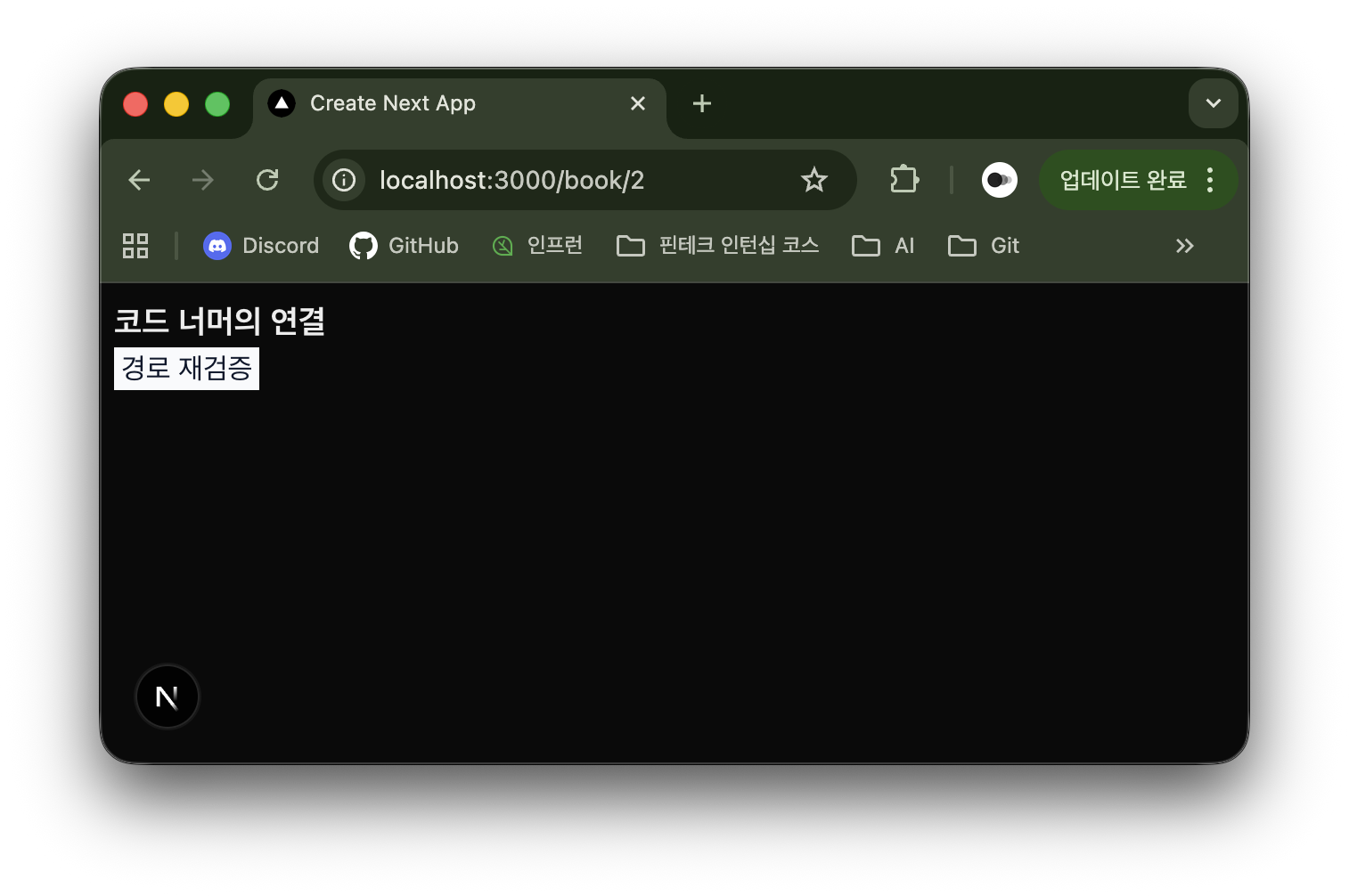
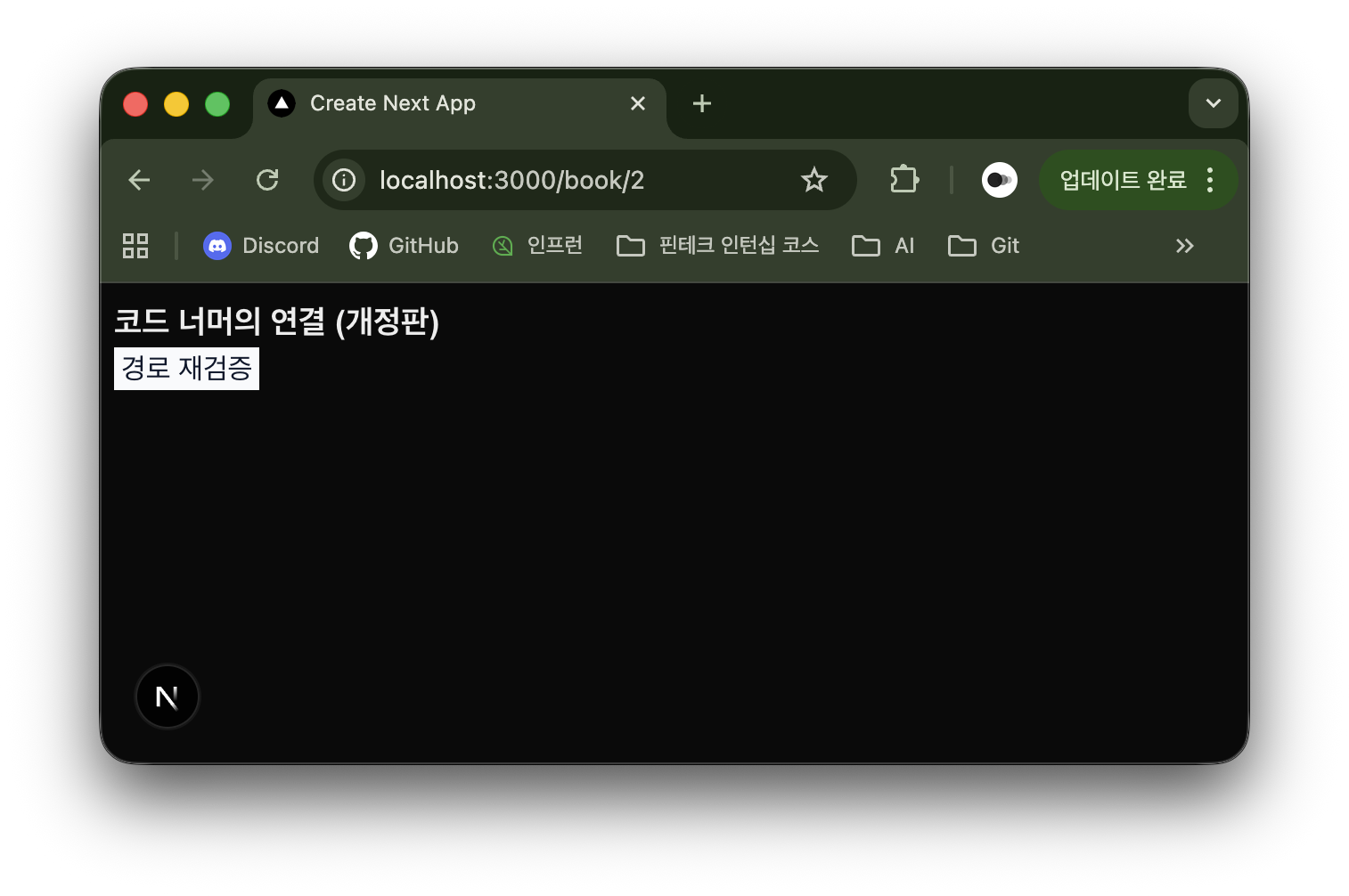
}revalidateTag를 revalidatePath로 대체해 경로 기반 재검증을 수행한다. 서버에서 ID가 2인 책의 제목은 ‘코드 너머의 연결’이다.
하위 태스크 5
캐시 무효화 시스템
데이터 변경 시 자동 캐시 갱신
app/book/[id]/page.tsx:
import { revalidatePath } from "next/cache";

export default async function BookDetailPage({ params }: { params: { id: string } }) {
	const { id } = await params;
	const response = await fetch(`http://localhost:3005/books/${id}`, { next: { tags: ["book"] } });
	const book = await response.json();

	async function updateAction() {
		"use server";

		await fetch(`http://localhost:3005/books/${id}`, {
			method: "PATCH",
			headers: { "Content-Type": "application/json" },
			body: JSON.stringify({ title: "코드 너머의 연결 (개정판)" }),
		});

		revalidatePath(`/book/${id}`);
	}

	return (
		<div className="p-2">
			<h2 className="text-lg font-bold">{book.title}</h2>
			<form action={updateAction}>
				<button className="px-1 bg-slate-50 text-slate-900" type="submit">
					데이터 수정 및 경로 재검증
				</button>
			</form>
		</div>
	);
}
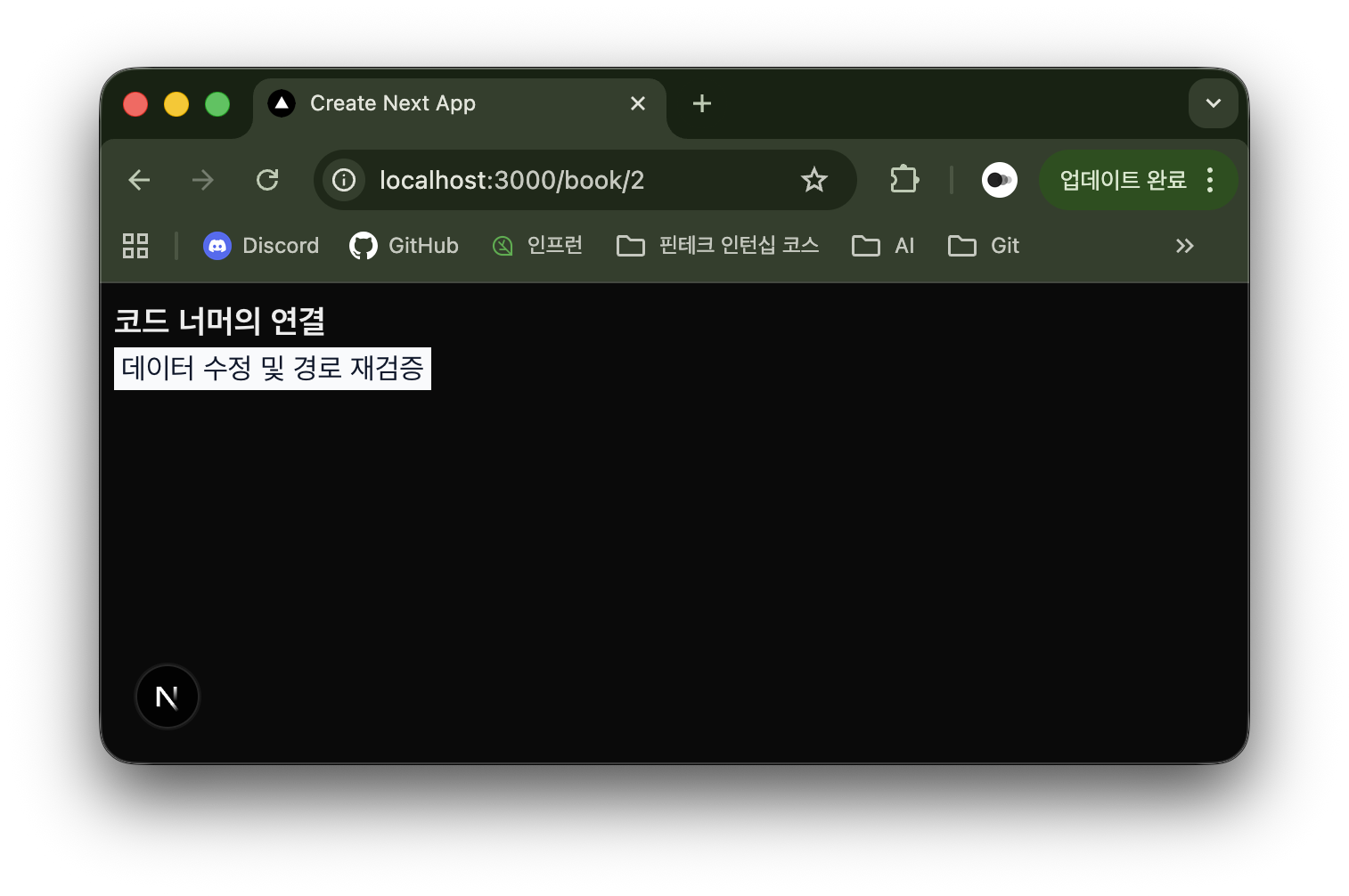
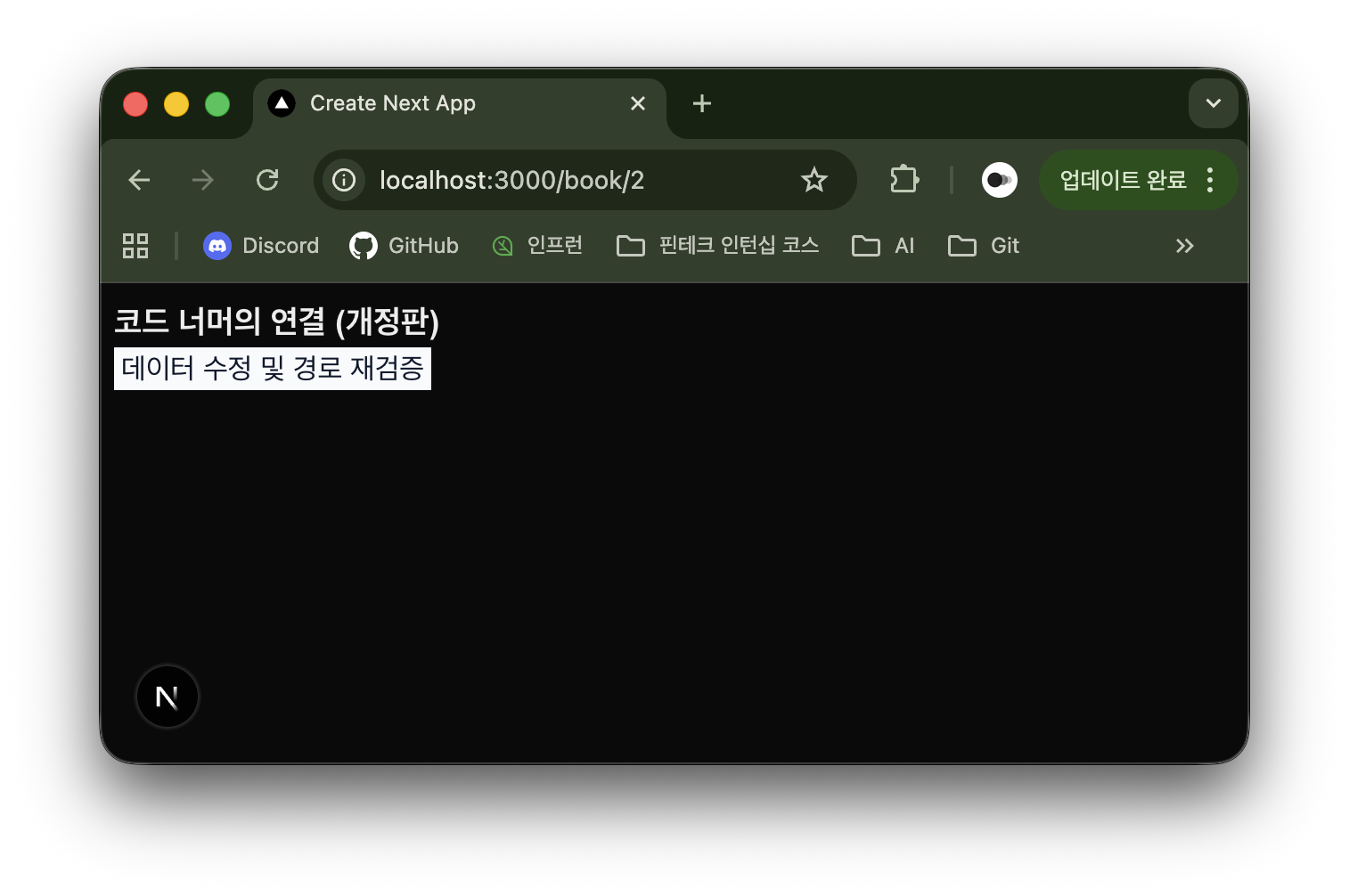
서버 액션에서 서버의 데이터를 수정하고 경로 재검증한다. 기존 책의 제목을 ‘코드 너머의 연결’이다.
하위 태스크 6 ~ 7
성능 측정
캐싱 전후 성능 비교
캐시 적중률 계산
캐시 효과 정량화
no-store 전략을 적용한 경우 웹 문서 렌더링이 모두 완료되기까지 236 ms가 걸렸다.
force-cache 전략을 적용한 경우 웹 문서 렌더링이 모두 완료되기까지 132 ms가 걸렸다. no-store 전략을 적용한 것 대비 104 ms가 줄어들었다.
하위 태스크 8
최적화 전략 수립
상황별 최적 캐싱 전략 문서화
force-cache: 데이터가 거의 변하지 않고 모든 사용자에게 동일한 내용을 보여줄 때 적합하다. 응답 속도가 가장 빠르고 서버 부하가 없다.revalidate: 데이터가 종종 바뀌지만 실시간으로 바뀌진 않을 때 적합하다. 서버 부하를 줄이면서 최신성을 유지한다.no-store: 데이터가 매우 자주 변하거나 캐싱하면 안 되는 데이터가 포함될 때 적합하다. 가장 정확한 최신 데이터를 보장한다.tag및path기반: 기본적으로는 캐싱하지만 데이터가 수정될 때 화면에 반영되어야 한다면 적합하다. 최신성과 빠른 응답 속도가 양립하는 방식이다.